Web analytics
Explains acquisition: pages, referrers, campaigns, devices, and traffic trends.
Product analytics
Vectr4 turns product events into a focused view of how people move through a SaaS product. Track meaningful actions, connect them into funnels and sessions, and inspect user journeys from a Docker Compose deployment on infrastructure you operate.
01
Product analytics is the practice of using product activity to understand adoption, activation, conversion, and friction. Instead of stopping at a visit or pageview, it follows meaningful actions inside an application.
A useful setup starts with a small measurement plan: define the decisions your team needs to make, capture the events that represent those decisions, and review sequences rather than collecting everything by default.
02
Teams often need both. Vectr4 is designed primarily for product behavior. If your only question is how visitors reached a marketing page, a focused web analytics tool may be a better fit.
Explains acquisition: pages, referrers, campaigns, devices, and traffic trends.
Explains behavior: events, activation steps, funnels, sessions, and paths inside the product.
03
Vectr4 example
landing_viewed → demo_opened → signup_submitted → workspace_created → install_started
04
Funnels turn separate actions into an ordered path. They help a team locate the step where a signup, activation, or checkout flow loses users. Sessions provide the surrounding sequence, while user journeys connect activity across the product.
Vectr4 uses captured events as inputs for funnel, session, and journey views. Start with event tracking, then use user behavior analytics to interpret what those sequences mean.
05
Which meaningful actions do successful new users complete?
Where does the path from demo to signup or checkout break?
Which named product actions appear in real user sessions?
Where do users loop, backtrack, or leave a workflow?
06
Cohort tables and dedicated retention reports are distinct analytics capabilities. Vectr4 should not be presented as providing those reports until they are verified in the shipped product.
Vectr4 can capture the repeat events and identity context that future cohort or retention analysis would depend on. For now, use its verified event, funnel, session, and journey workflows rather than implying a dedicated cohort suite.
07
Vectr4 is delivered as a Docker Compose stack for your VPS. You operate the application, event ingestion services, and supporting data services, which gives you deployment control and direct responsibility for security, backups, updates, availability, and retention.
Review self-hosted product analytics for the deployment tradeoffs, or compare evaluation criteria on the product analytics tools page.
08
Vectr4 fits teams that need a focused product analytics layer and are comfortable operating Docker Compose. It is not intended to replace a warehouse, CRM, qualitative research system, or broad enterprise data suite.
Use the hosted demo to inspect the workflow before purchasing or deploying anything.
Product proof
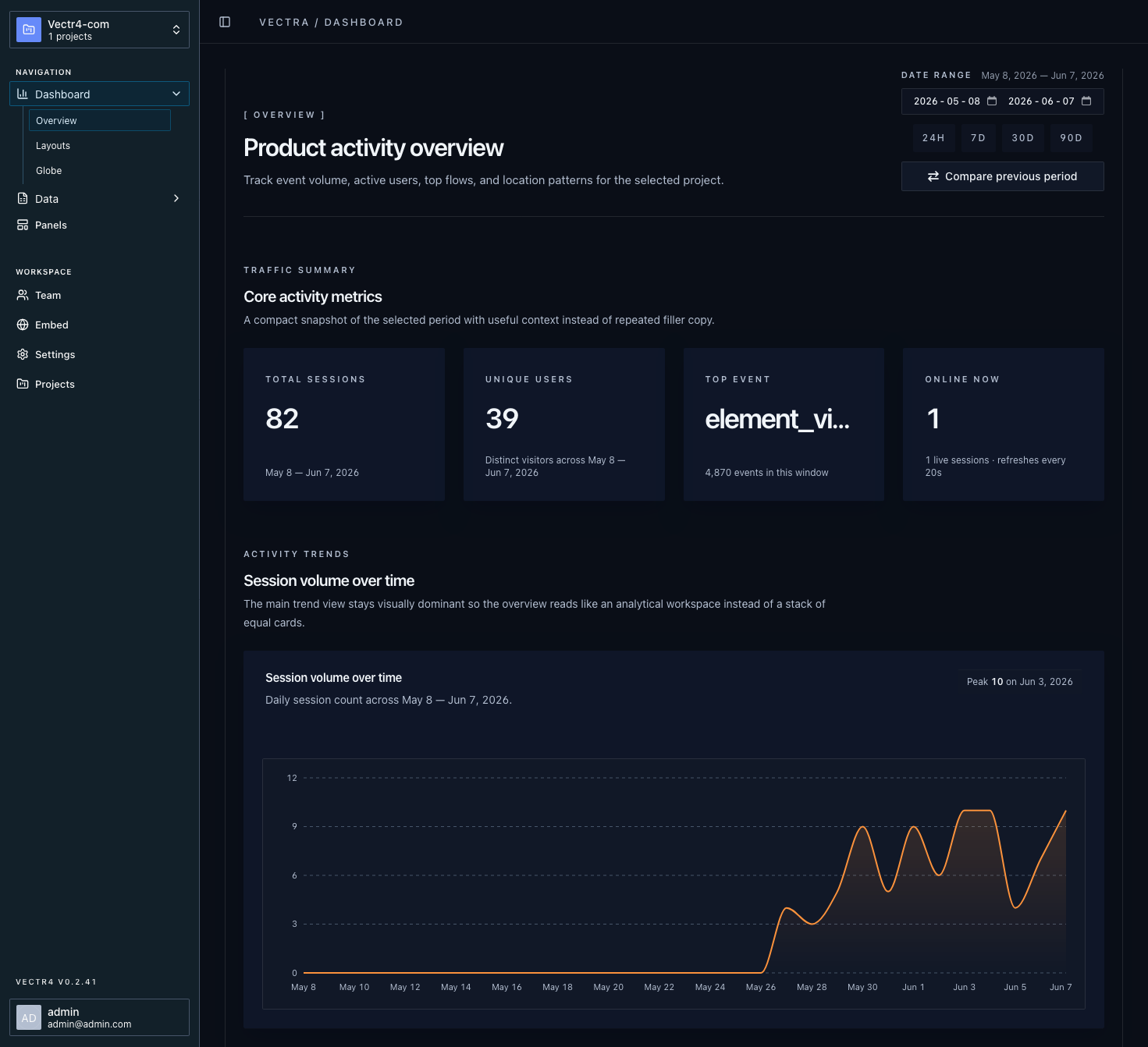
The hosted demo shows the same focused workflow described on these pages: captured events, funnel steps, session activity, and user paths. The values shown in marketing previews are illustrative, not customer benchmarks.
Review named product actions and the context sent with them.
Connect ordered events to see progress and drop-off between steps.
Group activity into visits so isolated actions have sequence and timing.
Follow the paths users take through your product over time.
FAQ