Entry
See the route or event where the observed path begins.
Product analytics dashboard
Vectr4 is a product analytics dashboard for technical SaaS teams. It brings event activity, conversion funnels, session context, and user journeys into one focused interface backed by a customer-operated deployment.
01
Analytics dashboard is a broad phrase that can mean finance, infrastructure, marketing, or executive reporting. Vectr4 specifically presents behavior captured from a SaaS or web application.
The dashboard is designed to answer focused questions about product events and paths. It is not presented as a general BI system, data warehouse interface, or SEO reporting suite.
02
03
The event view surfaces named product actions captured by the browser SDK. Properties provide bounded context, while identity and session information help place each action in a real workflow.
For collection details, use the event tracking guide. For interpretation, continue to event analytics.
04
A funnel connects expected steps and exposes where users stop progressing. This works for signup, onboarding, activation, feature adoption, or checkout when the underlying events are defined and validated.
The dashboard does not invent the funnel definition. The team chooses which events represent the workflow and should revisit that definition when the product changes.
Vectr4 example
pricing_viewed → checkout_started → purchase_completed
05
Vectr4 session views group event activity into a timed sequence. They provide behavioral context around navigation and custom actions but do not record or replay the user’s screen.
That distinction reduces ambiguity when evaluating product analytics tools. Teams that require pixel-level replay need a different or additional product.
06
See the route or event where the observed path begins.
Review the ordered actions that move a workflow forward.
Locate repeated or reversed navigation that deserves investigation.
See where the captured sequence ends without assuming a reason.
07
Vectr4 packages its application and supporting services for Docker Compose deployment. The customer operates the server, domain, storage, backups, access, updates, and security.
That gives the team deployment control rather than automatic privacy or compliance. Review the self-hosted model before choosing it.
Product proof
The hosted demo shows real Vectr4 product views for event activity, funnels, sessions, and user paths. Preview values are illustrative and are not presented as customer benchmarks.
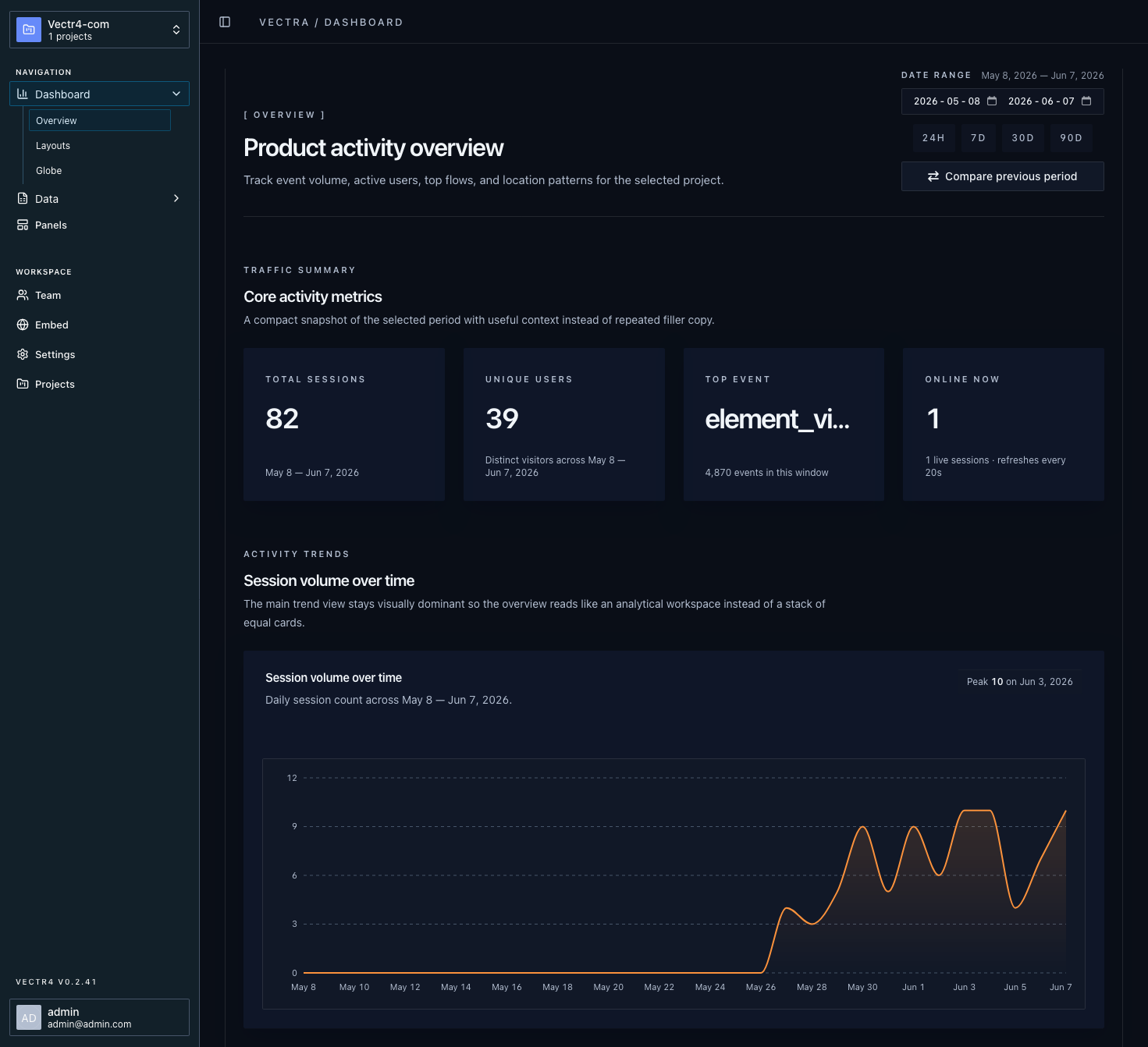
Inspect named product actions and the bounded properties sent with them.
Connect ordered events to examine progress and drop-off between steps.
Review activity as a timed sequence without relying on screen recording.
Follow paths through a product for anonymous and identified activity.
FAQ