See what people actually use
Track actions inside your SaaS, not just page visits. Learn which features users discover and use.
PRODUCT ANALYTICS. YOUR INFRASTRUCTURE.
See where users drop off, which features they use, and how they move through your SaaS. Self-host events, funnels, and user journeys on your own VPS.
Self-hosted · €79 one-time license payment · No mandatory Vectr4 SaaS subscription · See pricing
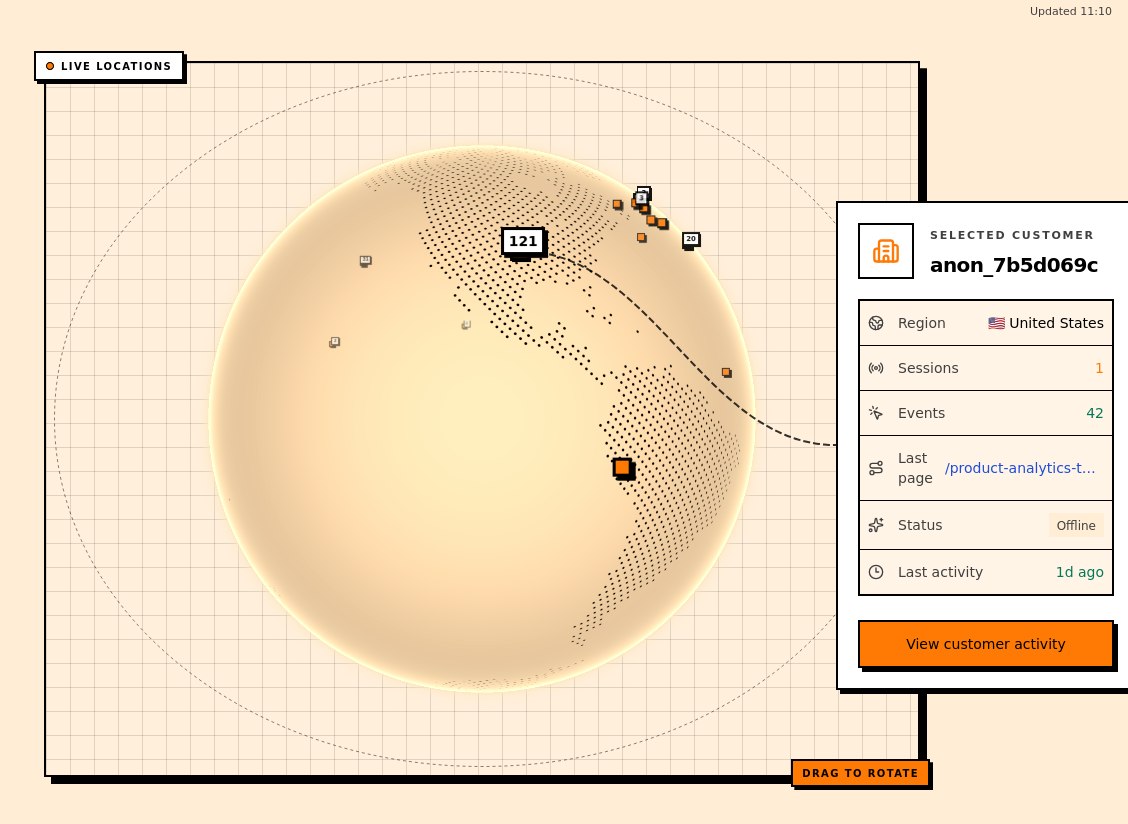
Self-hosted analytics overview
Vectr4 is self-hosted product analytics for founders who want to understand product usage without shipping every event to another analytics platform.
Track actions inside your SaaS, not just page visits. Learn which features users discover and use.
Follow key steps from signup to activation. See where people drop out of a funnel.
Run analytics on your own VPS, with the event data and infrastructure under your control.
Product activity overview
The overview combines active usage, your most frequent event, and session volume for the date range you choose.
Count active usage
Total sessions and unique users summarize activity in the selected date range.
Explore self-hosted event trackingFind the top event
See the most frequent tracked event and its event count for the same window.
Analyze product eventsRead the activity trend
Follow session volume across the selected dates and see when activity peaked.
Understand user behaviorThe problem
When you're building a SaaS, the important questions are practical: where do signups stop, which features get used, and what happens before a user leaves?
Founder question
Track the steps from registration to first value and find the drop-off points worth investigating.
Founder question
See which events and features people actually interact with, rather than relying on assumptions.
Founder question
Keep collection and storage on infrastructure you manage, instead of making your product data depend entirely on a hosted analytics vendor.
Ideal customer profile
Especially useful when you need answers about product behavior and want to run analytics yourself.
Solo SaaS founders
Find onboarding friction without adopting a larger analytics platform.
Small product teams
Share a clearer picture of feature adoption and the paths users take.
Self-hosting developers
Deploy and operate analytics alongside the rest of your stack.
Privacy-conscious teams
Prefer direct control over event storage and infrastructure? Keep analytics on systems you manage.
How it works
Explore the interface, inspect the sample data, and decide whether it fits your SaaS.
Explore the analytics dashboard without setting up a server.
Inspect events and a funnel to see where users progress or drop off.
Review the requirements and license before setting up your own instance.
Demo sign-in:
Email [email protected] · Password user1234
Feature matrix
A compact view of the shipped collection, analysis, and deployment capabilities developers evaluate before purchase.
Collect
Understand
Operate
Self-hosting requires your own VPS, DNS, and Docker familiarity. Licensing and update terms are detailed below.
Read technical feature detailsFAQ
Included with V1
Get the version you can deploy on your own infrastructure, with the information needed to set it up and operate it.
01 · Deployment package
Includes docker-compose.yml, Caddyfile, deploy.sh, generated environment values and secrets, a signed license, README, and package manifest. A SHA-256 checksum is generated alongside the ZIP.
02 · Product capabilities
The Compose stack pulls the Vectr4 web, API, and ClickHouse images. The shipped V1 product includes the current event, funnel, session, and journey views.
03 · Setup guidance
The package README covers deployment and operating commands. The installation guide covers VPS preparation, DNS, environment configuration, HTTPS, and backup planning.
Read installation guide04 · Coverage period
Product updates and customer support are included for 12 months from purchase. The installed version then continues under the perpetual fallback license; optional €49 renewal adds another 12-month coverage period.
05 · License rights
Your purchase grants a limited, non-exclusive, non-transferable license to use Vectr4. Source-code archive access is delivered separately for internal inspection and review only. Redistribution, resale, sublicensing, publication, and competing hosted services are not permitted.
06 · Not included
VPS and domain costs are not included. You operate DNS, containers, database storage, maintenance, monitoring, backups, secrets, access controls, and security hardening.






